

A CQ9 Oneshot Fishing session moves through three stages. In this 188jili stage guide, the focus is what to watch as the room changes, from ordinary fish in the opening playfield to the Dragon Ball count that brings out Shenlong.
Stage 1 and the First Signs of Progress
When the playfield opens, find the cannon and then locate the Dragon Ball indicator. The stars inside the indicator show how many balls have been collected. CQ9 also describes the fill level as a clue to how many balls remain for the current stage. Those two cues are easy to overlook when several targets are on screen at once.
| Moment in the session | What to check |
|---|---|
| Opening playfield | Cannon setting and position of the Dragon Ball indicator |
| Dragon Ball Turtle capture | An additional ball in the collection |
| Stage transition | The large “Enter Level” prompt in the center |
| Seven Dragon Balls collected | Start of the Shenlong boss encounter |
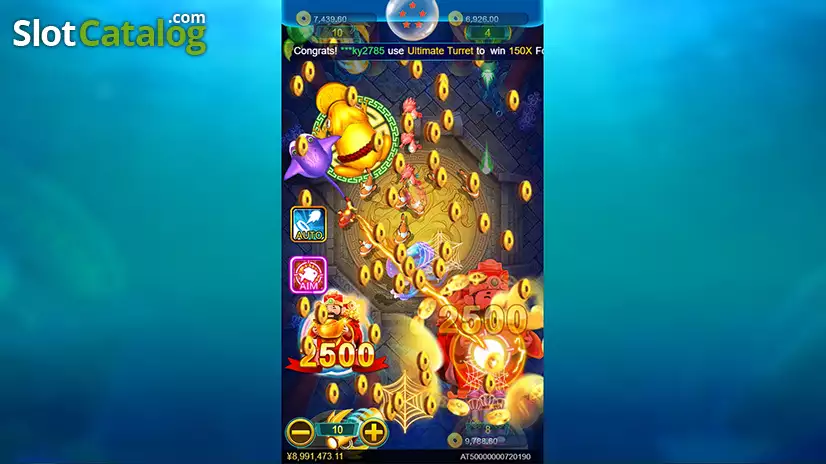
Stage 2 and the Mid-Session Handoff
In the 188jili preview, “Enter Level 2” fills the playfield for the transition. When play resumes, glance at the collection indicator and then at the shot amount. If you changed cannons in the opening stage, the level on the stage panel and the setting on the cannon answer two different questions.
Stage Number and Cannon Level
The stage number tells you where the session is. The cannon level tells you which weapon is selected. For 188jili readers comparing the labels, a Level 2 cannon can activate Freeze, while the Level 2 stage message simply signals progress.
Stage 3 and the Seventh Dragon Ball
As the session advances, keep an eye on the stars. CQ9 describes two to three balls within a stage, with the full set of seven triggering the boss. The last cue in the 188jili walkthrough is the appearance of Shenlong after the collection is complete. It marks the point when the session’s visual focus changes from the turtle and the counter to the final dragon.